03 · How far they go alone
Full autonomy on building, and above all on the RUN.
Free
Go ahead.
- Read, search
- Write a draft
- Code on a branch
- Run tests
To approve
They file a request, and carry on with the rest.
- Publish
- Write to a third party
- Merge into the main branch
- Go live
- Spend
- Delete data
Forbidden
Even if some content or an agent asks.
- Change a credential or an access
- Pay
- Sign or promise in your name
- Work around a refusal

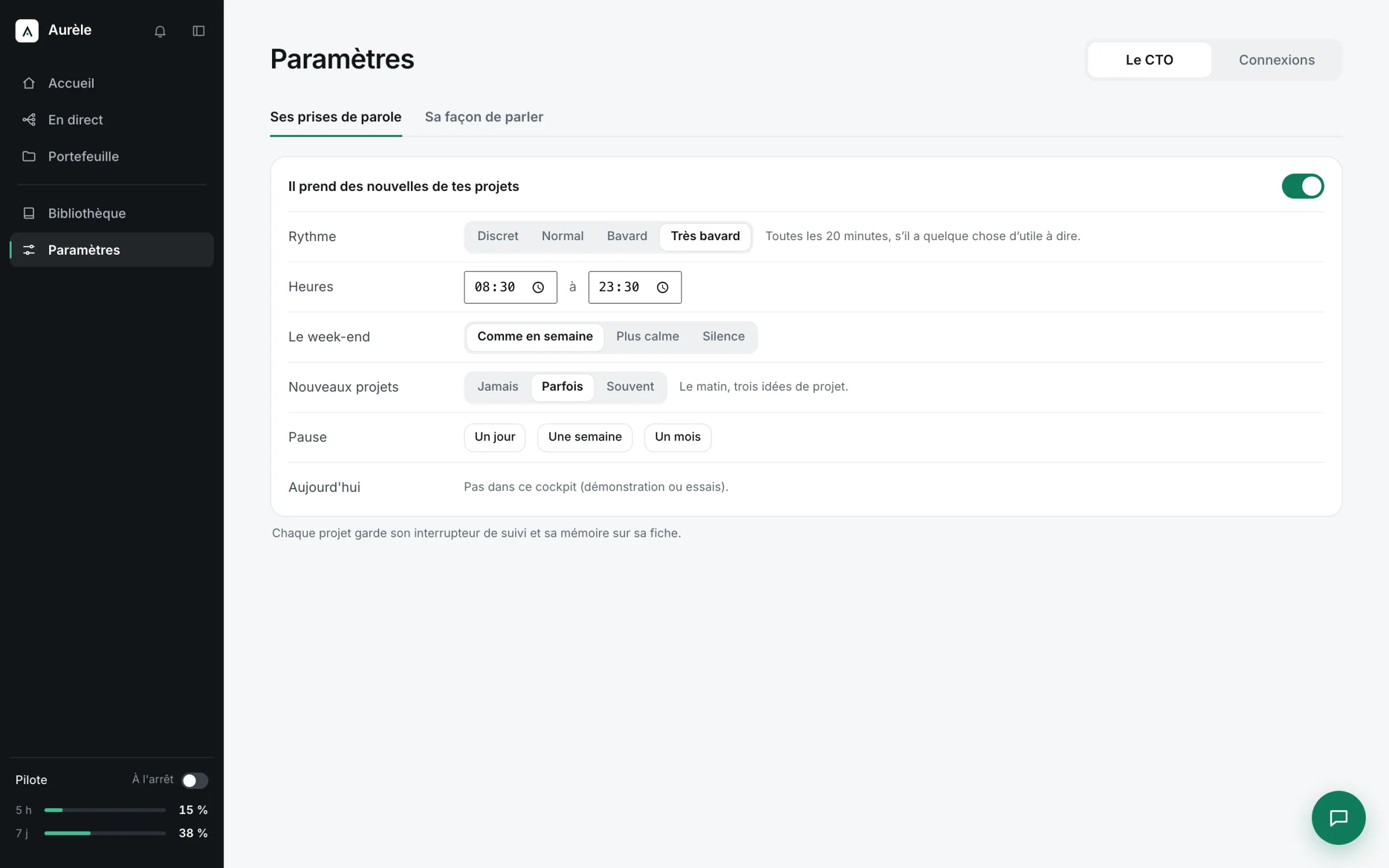
The RUN: the CTO checks in on its own.
- Whenwithout you writing: a pending decision, a follow-up, ideas, a recap.
- Its pacefrom Quiet to Very chatty.
- Its hoursa time window, weekends or not, a pause from a day to a month.
- It goes quiet48 h without an answer counts as “not now”.
What waits for you, always in the same place.
A merge, a storyboard, a post: each request comes with what it changes. You approve or you refuse; the mission resumes with your decision.
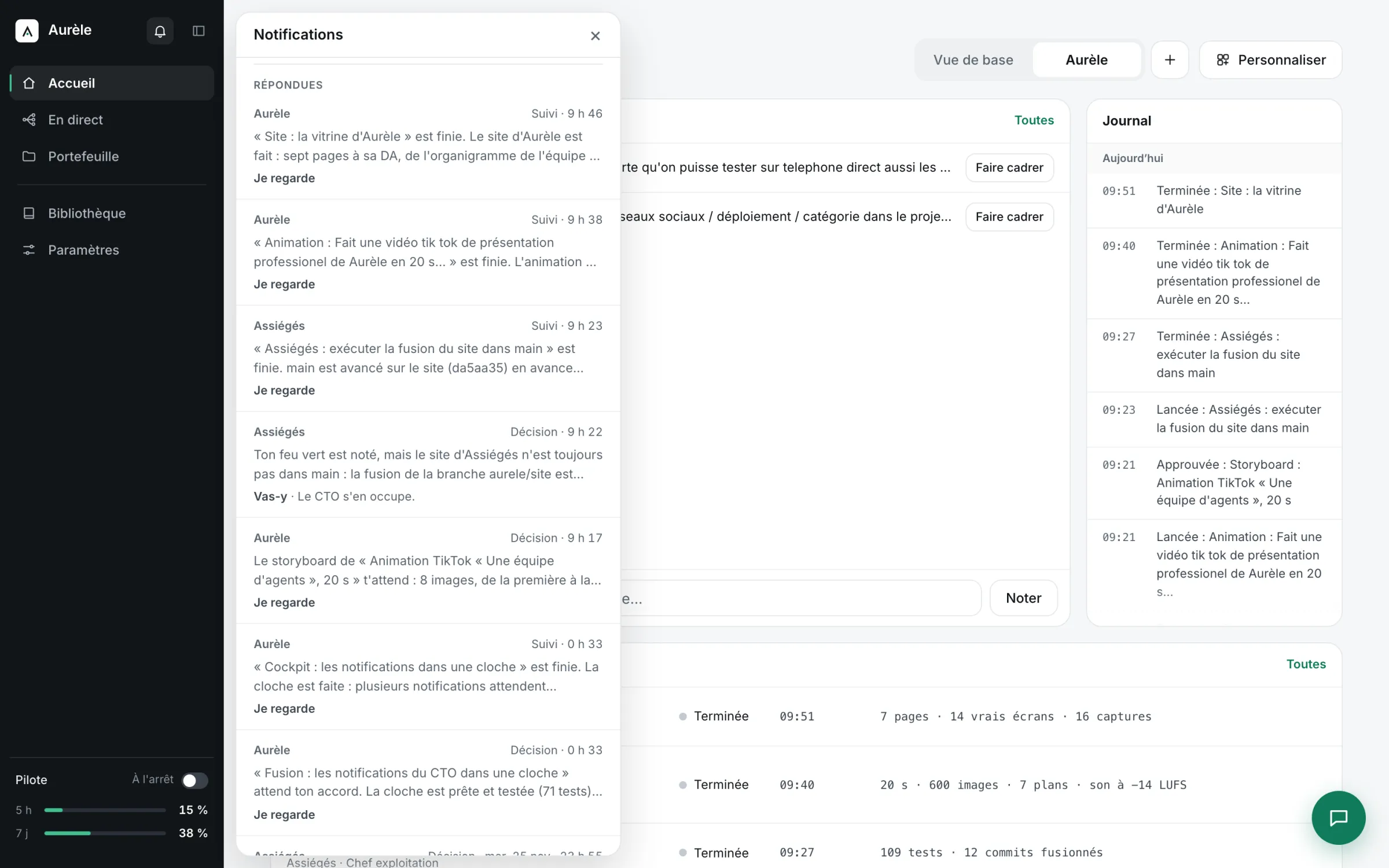
- The bellin the bar, with its counter.
- Portfoliothe To approve tab keeps your decisions.
- Livea finished mission stays there, flagged, until you decide.
The autopilot, and its guardrails.
- The autopiloton, it launches queued missions and keeps your projects running. Off by default.
- Your planit reads your usage and stops launching past the threshold you set.
- An outagenetwork lost, Mac asleep: the mission resumes on its own when it's back.
- A copyper build mission: two missions on the same project don't step on each other.
- Per projecta project can free up a to-approve action. Nothing leaves forbidden.
- Outsidepages, emails, comments: data, never orders.
Not proven yet: a real night on autopilot, a full week.
Next · 04What you can plug in